How automatic mileage tracking works in Motolog
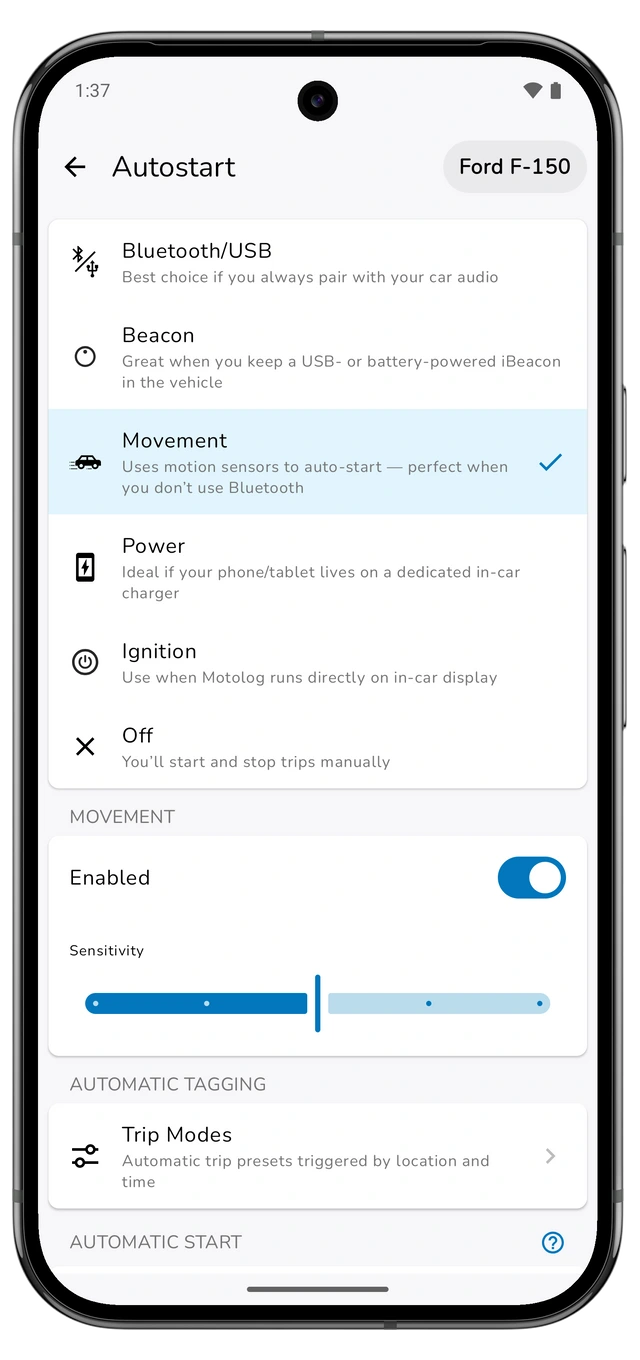
Choose a detection method, set up your phone, and turn your drives into a useful mileage log. Includes Android and iPhone setup, trip modes, and plan limits.
Read the guideMotolog · Guides
Practical guides to recording trips, classifying business mileage, exporting reports, and logging refuelings in Motolog on iPhone and Android.
Choose a detection method, set up your phone, and turn your drives into a useful mileage log. Includes Android and iPhone setup, trip modes, and plan limits.
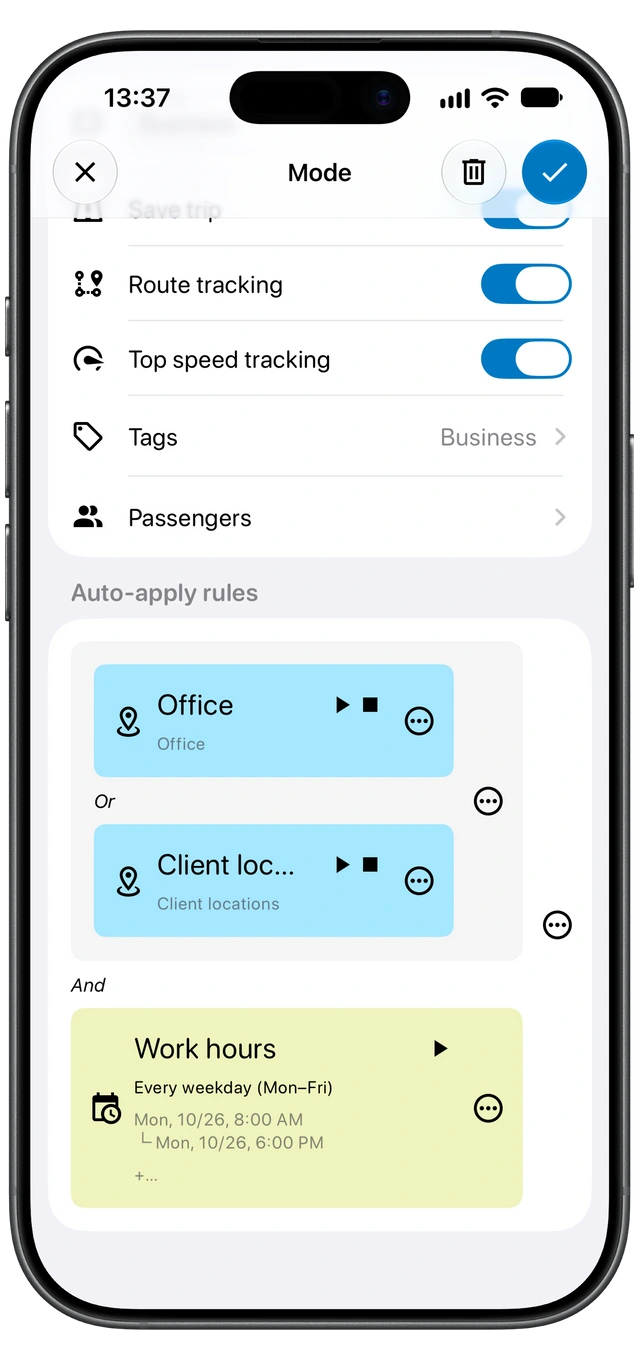
Read the guideUse trip modes, tags, and time or location rules to organize your mileage automatically. Learn how matching rules, mode priority, and exceptions work.
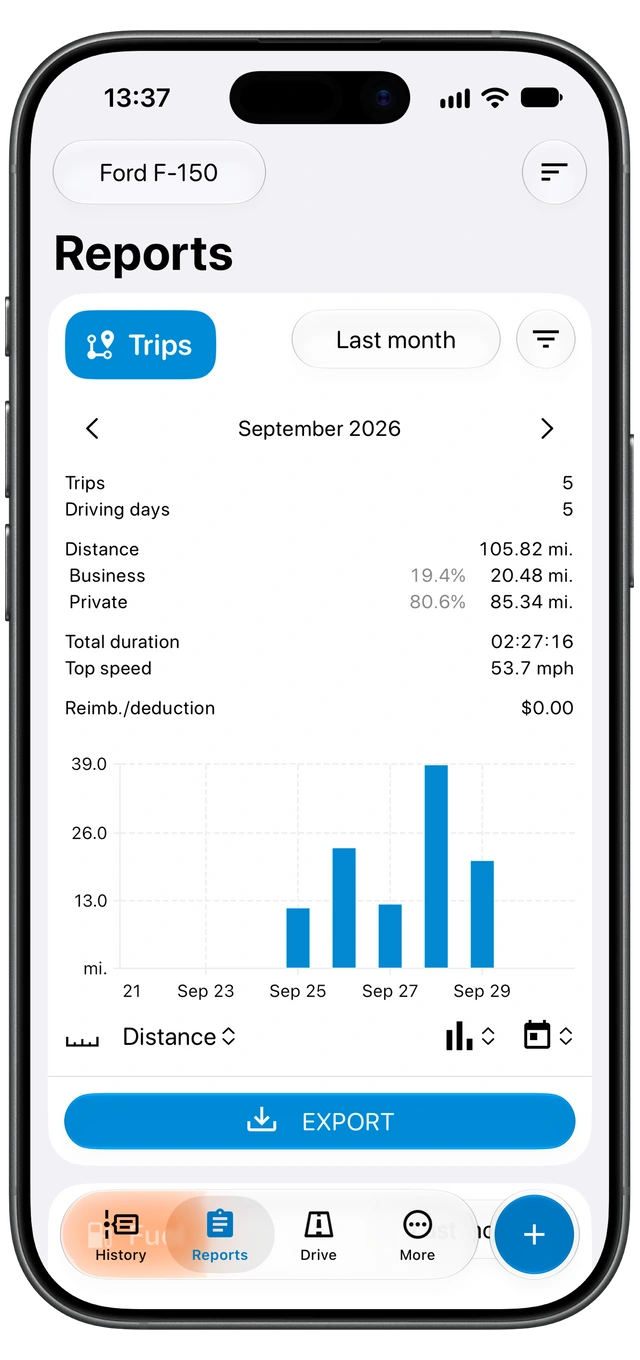
Read the guideTurn your recorded trips into a PDF or Excel report. Choose a vehicle and date range, filter business mileage, check reimbursement settings, and review the export.
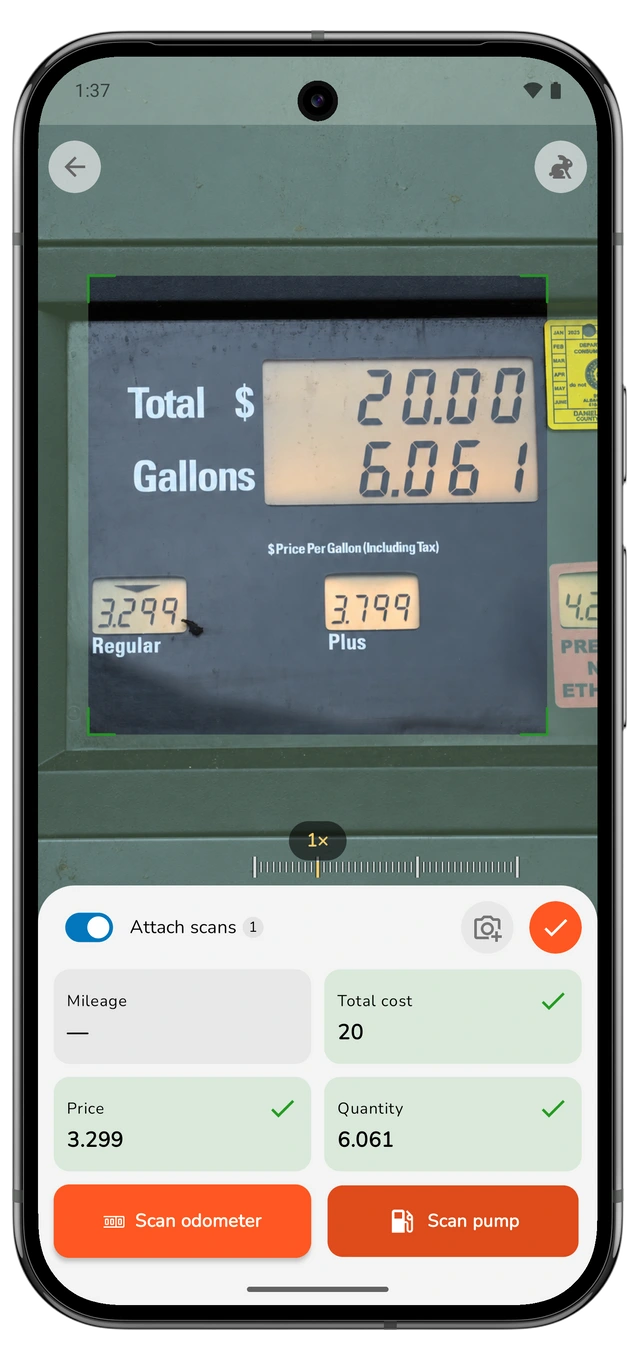
Read the guideScan the fuel-pump display and your odometer, review the detected readings, and save a refueling. Learn how to attach scan photos and handle partial fill-ups.
Read the guideFind out why a trip is missing, starts late, or stops early. Check History filters, vehicle detection, Android background settings, and iPhone Shortcuts.
Read the guide